- Limitless Creator
- Posts
- A Beginner’s Guide To AI Agents (and the truth about ChatGPT Agent)
A Beginner’s Guide To AI Agents (and the truth about ChatGPT Agent)

Jessica Camilleri
July 29, 2025
In partnership with

Hey future-proof friends 💜
ChatGPT made a HUGE update last week...AI Agent!
The tech that's supposed to manage inboxes and calendars, book hotels, create presentations and basically be your VA while you sit back and chill.
There's been a lot of excitement about it but also a lot of widespread disappointment and criticism.
After spending hours testing it (so you don't have to), I've got some thoughts (plus recommendations, practical examples and tips).
TL;DR - today’s lineup:
One Smart Strategy 💡: A beginner’s guide (with practical examples) to AI Agents
One Powerful Prompt 🤖: A 3-step ChatGPT prompt that feels like a cheat code for becoming a millionaire.
One Great Tool 🔨: Slack just got a MEGA AI glow-up with AI video generation right inside your chat threads!
Piping Hot AI Tea 🫖: 4 must-know stories - fears around GPT-5, a wrecked job market, China’s cheap AI and legal confidentiality.
💌 Your say genuinely shapes this newsletter: there’s a one‑click feedback poll at the very end - I’ll be forever grateful if you let me know what you think. Or hit reply and tell me what you loved/hated.
One last thing before we dive in:
Create How-to Videos in Seconds with AI

Stop wasting time on repetitive explanations. Guidde’s AI creates stunning video guides in seconds—11x faster.
Turn boring docs into visual masterpieces
Save hours with AI-powered automation
Share or embed your guide anywhere
How it works: Click capture on the browser extension, and Guidde auto-generates step-by-step video guides with visuals, voiceover, and a call to action.
One Smart Strategy 💡
A Beginner’s Guide To AI Agents (and the truth about ChatGPT Agent)
What Are AI Agents?
Now that we’re all getting used to using LLMs (Large Language Models) like ChatGPT - think of AI agents as digital employees that don't just chat - they actually DO.
While ChatGPT just responds to your questions, AI agents can:
Break down complex tasks into smaller steps
“Think” independently and take autonomous action
Work through problems even when they hit obstacles
Keep working on tasks over time (not just one-and-done)
Instead of asking "What restaurants are good in Rome?" you could say "Book me a table for 2 at a romantic restaurant in Rome with views of the Colosseum for Friday at 7pm and add it to my calendar."
The agent would research options, check availability, make the booking, and sort your calendar.
(In theory).
@thelimitlessjess Future-proof yourself with AI with my FREE weekly newsletter, Limitless Creator - sign up from the link in bio 💜🤖 #chatgpt #aiagents #aiau... See more
First, Let’s Dive Into ChatGPT Agent…
ChatGPT Agent has just launched for Pro, Plus and Team subscribers. It combines 3 previously separate features:
Operator (web browsing and clicking)
Deep Research (info synthesis)
Regular ChatGPT (conversation)
You access it through the tools dropdown, and here's what you get:
Pro users: 400 messages/month
Plus/Team users: 40 messages/month
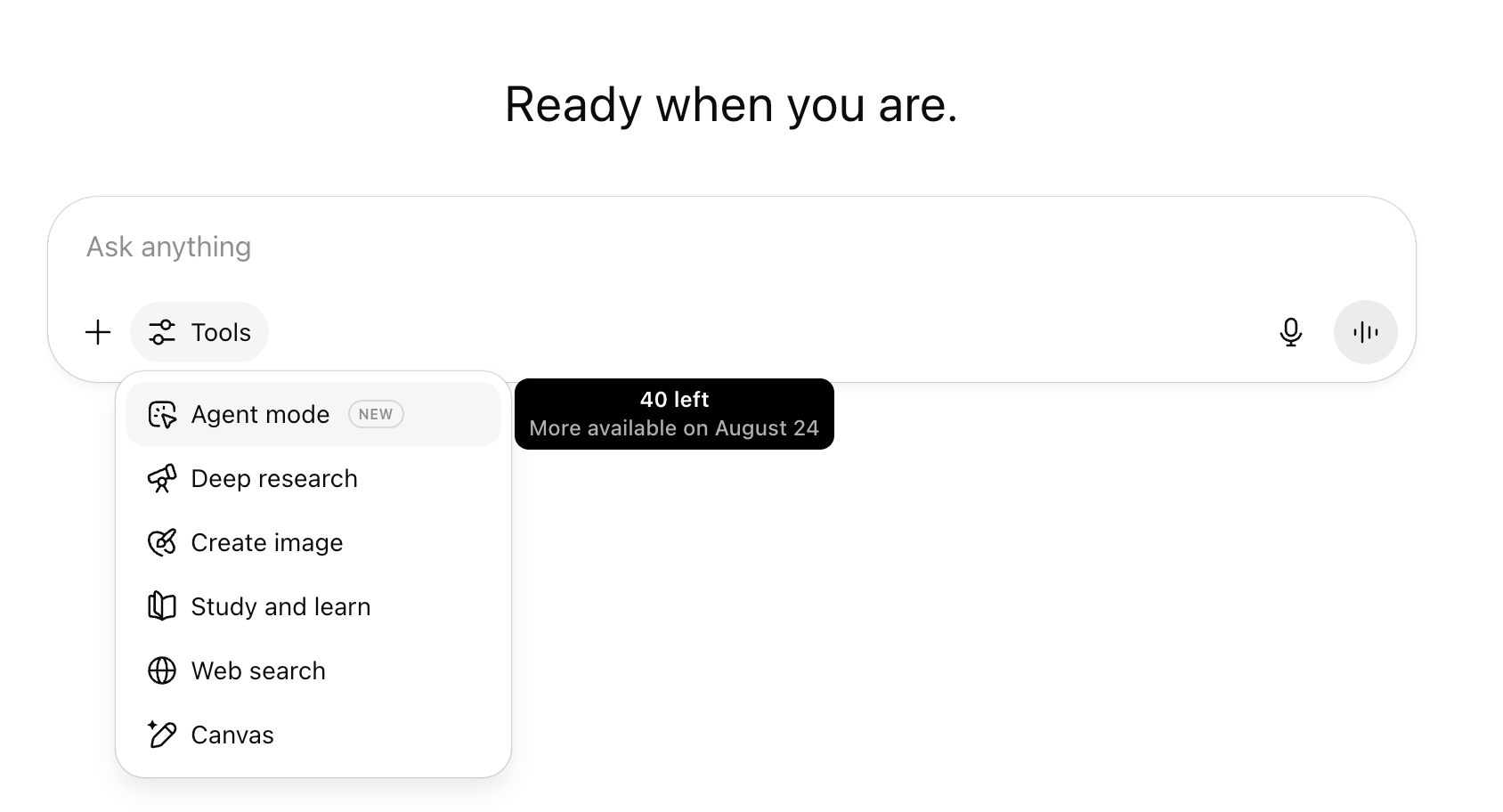
It runs on its own virtual computer and can browse websites, create presentations, run code, and connect to services like Gmail and Google Drive.
So What Can You Actually Use It For?
When you activate ChatGPT Agent, it brings up 4 functions and a list of suggested prompts for each:
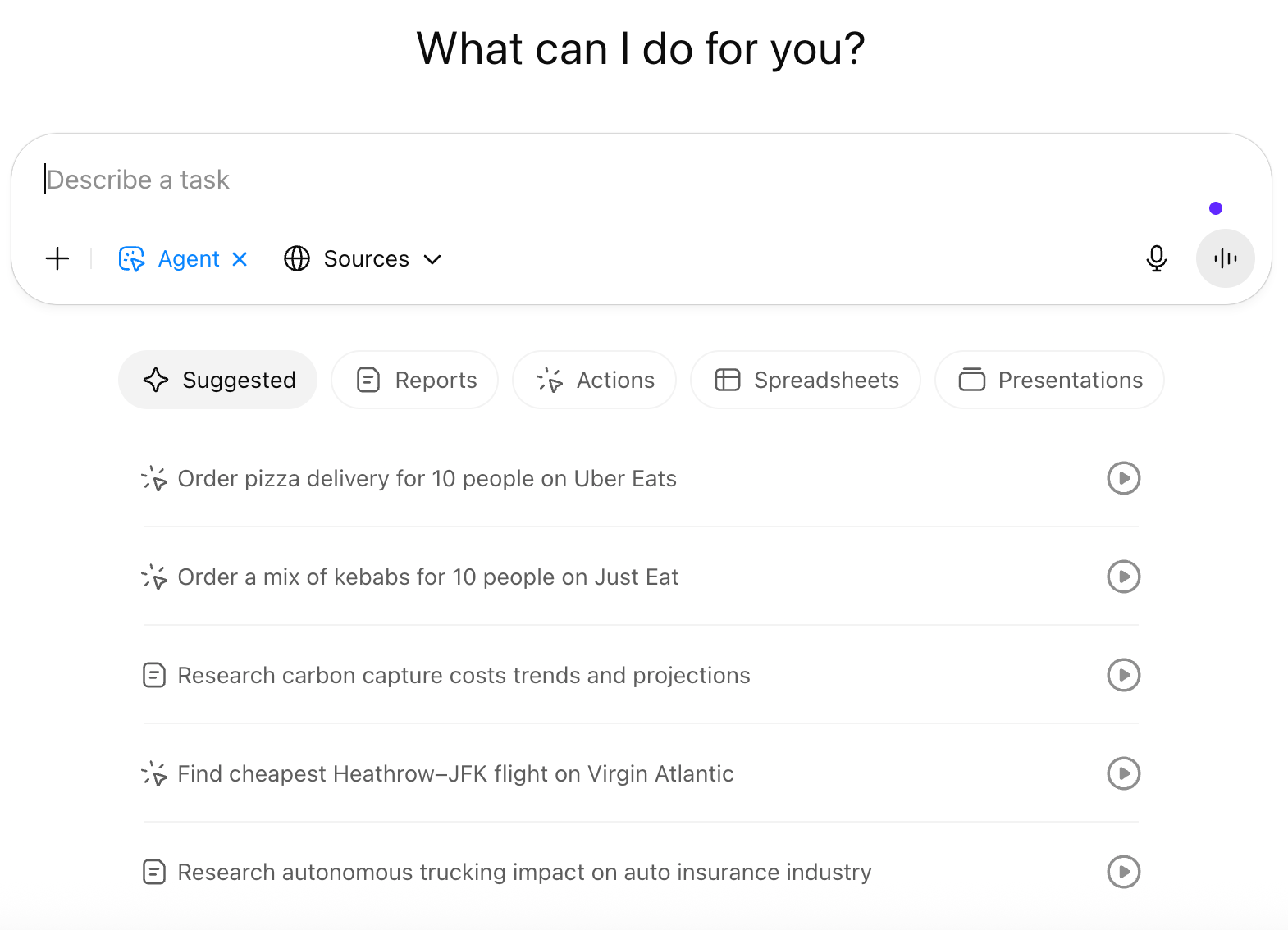
ChatGPT Agent Suggestions
1. ChatGPT Agent can write reports for you
Audit fast-fashion vs. slow-fashion wardrobe cost and impact
Research personal cooling solutions for hot weather
2. It can perform specific actions
Conduct a calendar audit based on the last 6 months
Schedule Uber to airport for tomorrow morning
Review and prioritize my inbox after vacation
3. It can create spreadsheets
Compile spreadsheet comparing CO2 emissions and renewables data
Build a discounted cashflow model for an energy company
Compile UNESCO data on education ratios and teachers
4. It can create presentations
Create a go-to market strategy for a new organic pet food brand
Create a presentation on a DTC skincare investment opportunity
Analyze global broadband affordability
The Good, The Bad & The Ugly
Here's where things get messy and where the complaints are coming from…
The Speed Issue
Users report simple tasks taking 8+ minutes (sometimes 20+) for things you could do in under a minute with the regular ChatGPT or using the Deep Research function. More AI doesn’t always mean more efficient.
The Security Nightmare
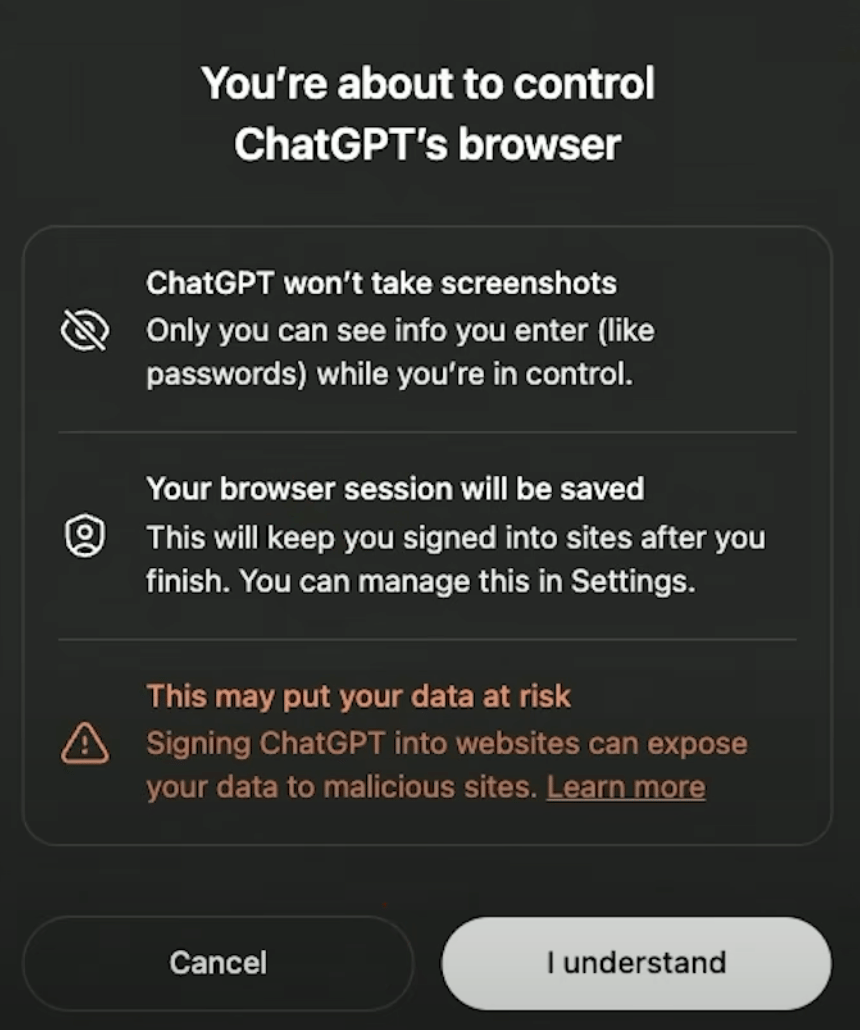
ChatGPT literally warns you that signing it into websites, giving it access to your calendar, your inbox etc… can expose your data to malicious sites. They're asking you to give it your Google credentials, credit card info, and access to your email... while warning you it's not safe. For me it’s a hard pass on this one until the safety aspect is improved.
It's Expensive and Limited
Pro users paying $200/month get 400 messages and Plus users get 40 messages/month.
And here's the kicker - every time it fails (which is often), that counts against your limit. You’re literally burning through credits just watching it fail!
It's Just Not Very Smart (yet)
It gets confused between similar websites, stuck on dropdown menus, and blocked by basic security features. Many sites won't even let it in because they detect it's a headless browser. Even Sam Altman said it's "not something I'd yet use for high-stakes uses or with a lot of personal information." When the CEO is telling you not to trust it... 🚩🚩🚩
What You Should Use Instead
With all that said, this update is likely to go through a number of improvements and iterations over the next few months. It might yet top the AI Agent leaderboard, who knows.
But until then, if you’d like to dabble with AI Agents, here's what you should use instead:
(None of the below links are ads, just general recommendations)
For Automation: n8n

n8n
Open source (free if self-hosted)
400+ integrations
No monthly message limits
More reliable but needs some tech skills
For Business Workflows: Zapier
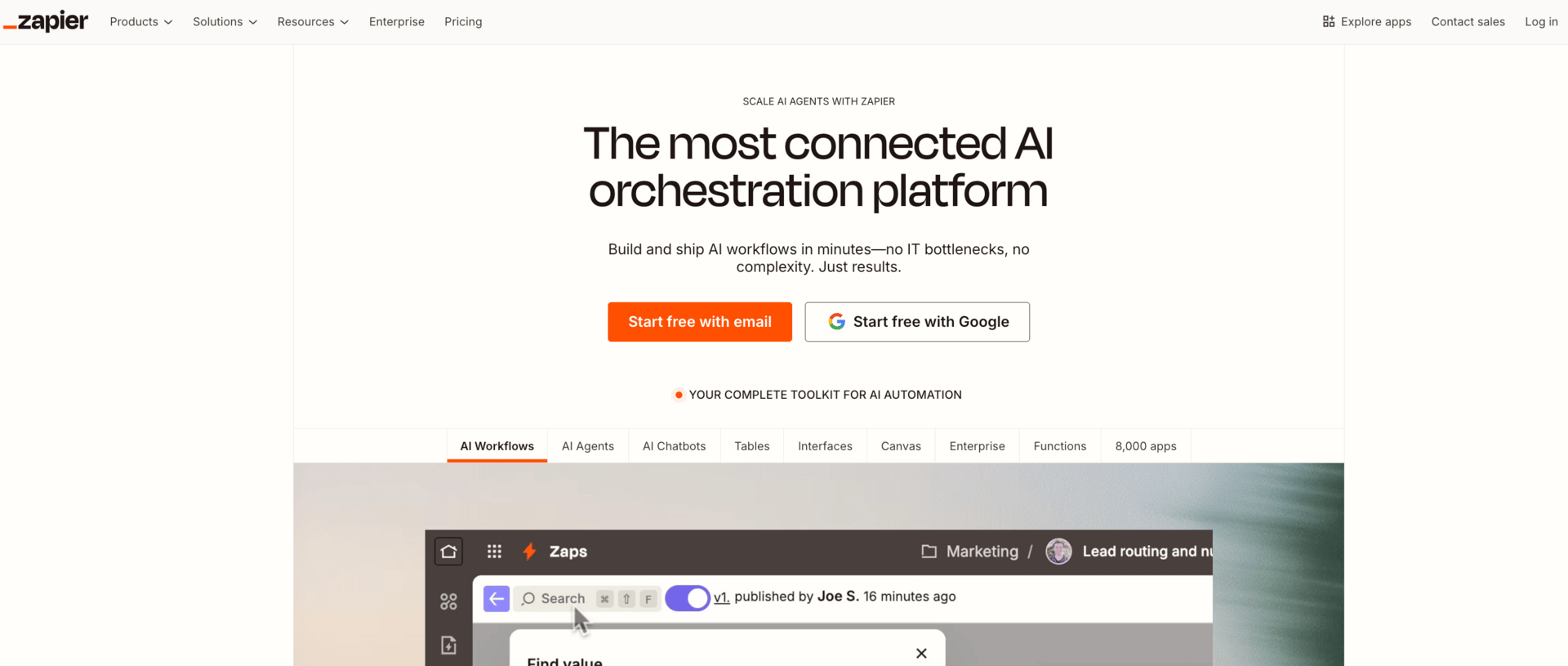
7,000+ app connections
Actually works reliably
$20-800/month depending on usage
Better for non-techies
For Visual Workflows: Make (formerly Integromat)
2,000+ integrations
Great visual builder
Excellent debugging tools
Similar pricing to Zapier
For Office Work: Microsoft Copilot
Deep Microsoft 365 integration
$30/user/month
If you're already in the Microsoft ecosystem, this is your best bet
The bottom line? Each of these tools does specific things REALLY well, while ChatGPT Agent tries to do everything and succeeds at... not much (as it stands).
Dive Deeper Into AI Agents
If you’d like to dive deeper and learn more about AI Agents, here are a couple of great videos to get you started:
One Powerful Prompt 🤖
The 3-Step Millionaire Blueprint
Try this simple but fascinating 3-step process and see where it takes you:
Prompt 1:
Based on everything you know about me, what is the fastest way for me to make $1M? Limit to 1 offer, 1 channel.Prompt 2:
Who is the #1 person I should learn from to succeed in this particular path?Prompt 3:
Pretend you are that person, create a simple 30 day action plan with detailed steps for research, building, pricing and growth tactics that require less than $1,000 upfront.
Ask me clarifying questions until you are 95% confident you can complete this task successfully.
Credit to Sabrina Ramonov for these prompts.
One Great Tool 🛠️
Mindy - AI Video & Image Generation Inside Slack
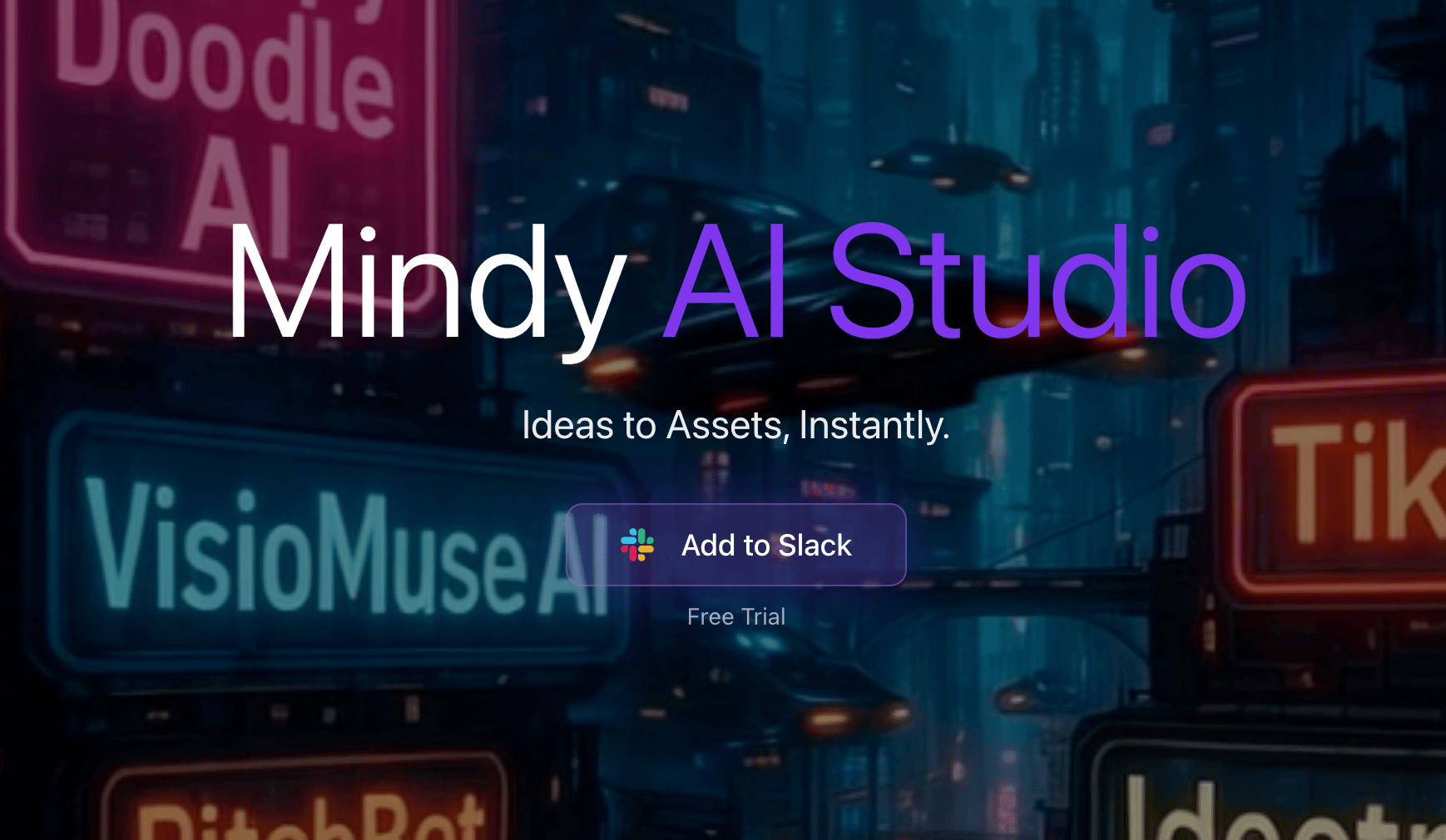
You know how creating video content usually means opening 5 different apps.. exporting files… uploading to cloud storage… then sharing links with your team?
Mindy just... skips all that.
It's an AI bot that lives inside Slack and generates images AND videos right in your chat threads. No tab switching. No file juggling. Just type what you need and boom - it appears where your team is already talking.
Ideal for when your team needs a quick product demo video for social…
Instead of the usual scramble (throw ideas back and forth, brief the designer, wait for drafts, give feedback, wait again), you can just type:
@mindy create a bold social media video showcasing our new Guava sparkling water flavourHere’s the result…
If your team lives in Slack and you're tired of the create-export-upload-share dance check out Mindy here. They've got a free trial so you can test it with your team before committing.
This is a sponsored recommendation, but I have been personally using this tool with my VA and genuinely think it solves a real workflow problem - especially for teams who need quick video content without the production hassle.
Piping Hot AI Tea 🫖
OpenAI's CEO says he's scared of GPT-5
AI Is Wrecking an Already Fragile Job Market for College Graduates
China’s latest AI model claims to be even cheaper to use than DeepSeek
Sam Altman warns there’s no legal confidentiality when using ChatGPT as a therapist
When you’re ready…
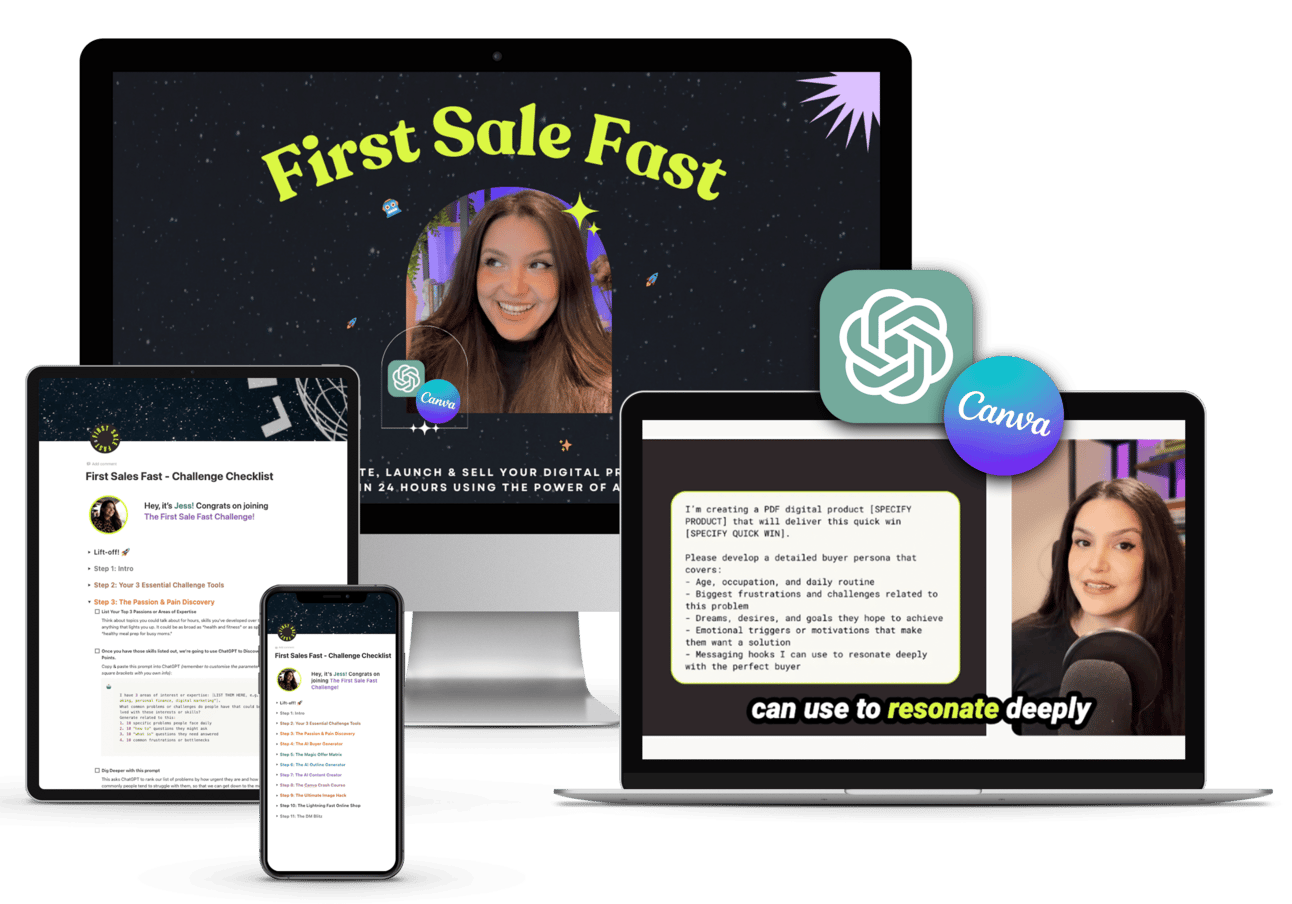
Let’s create your first or next digital product and get it selling in 24 hours with AI and my foolproof 9-step system inside my First Sale Fast challenge!
If you enjoyed today's newsletter AND got to the end of it, I’d love a quick click on the poll below to let me know what you think 💜.
See you next Tuesday,
Jess xx
What did you think of this issue? |